Fidelity
Log-In
Creating a single log-in capability to serve every Fidelity application, balancing consistency with flexibility.
- Role
- Lead Designer
- Platforms
- Web
- iOS
- Android
- Year
- 2023
The Problem
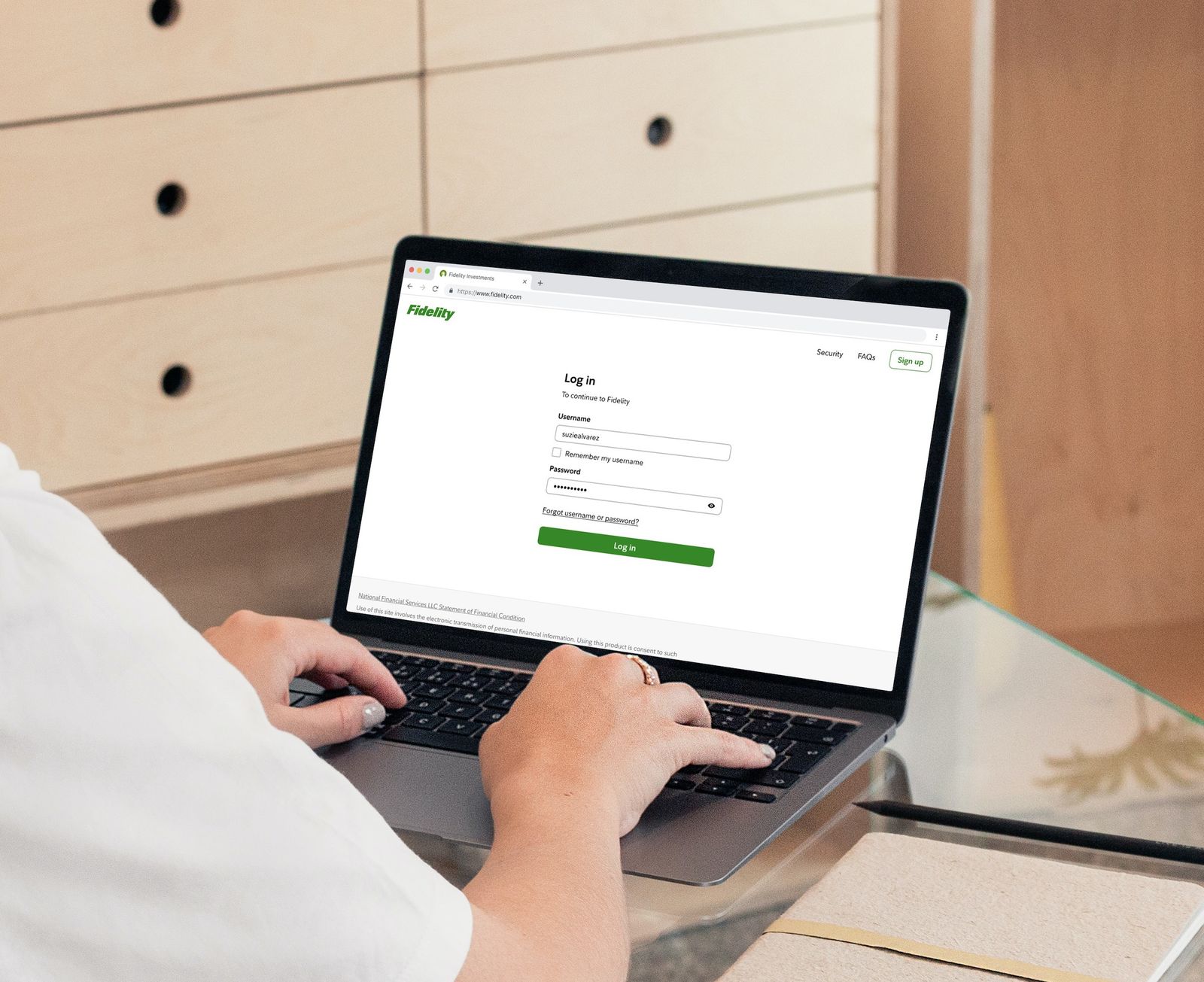
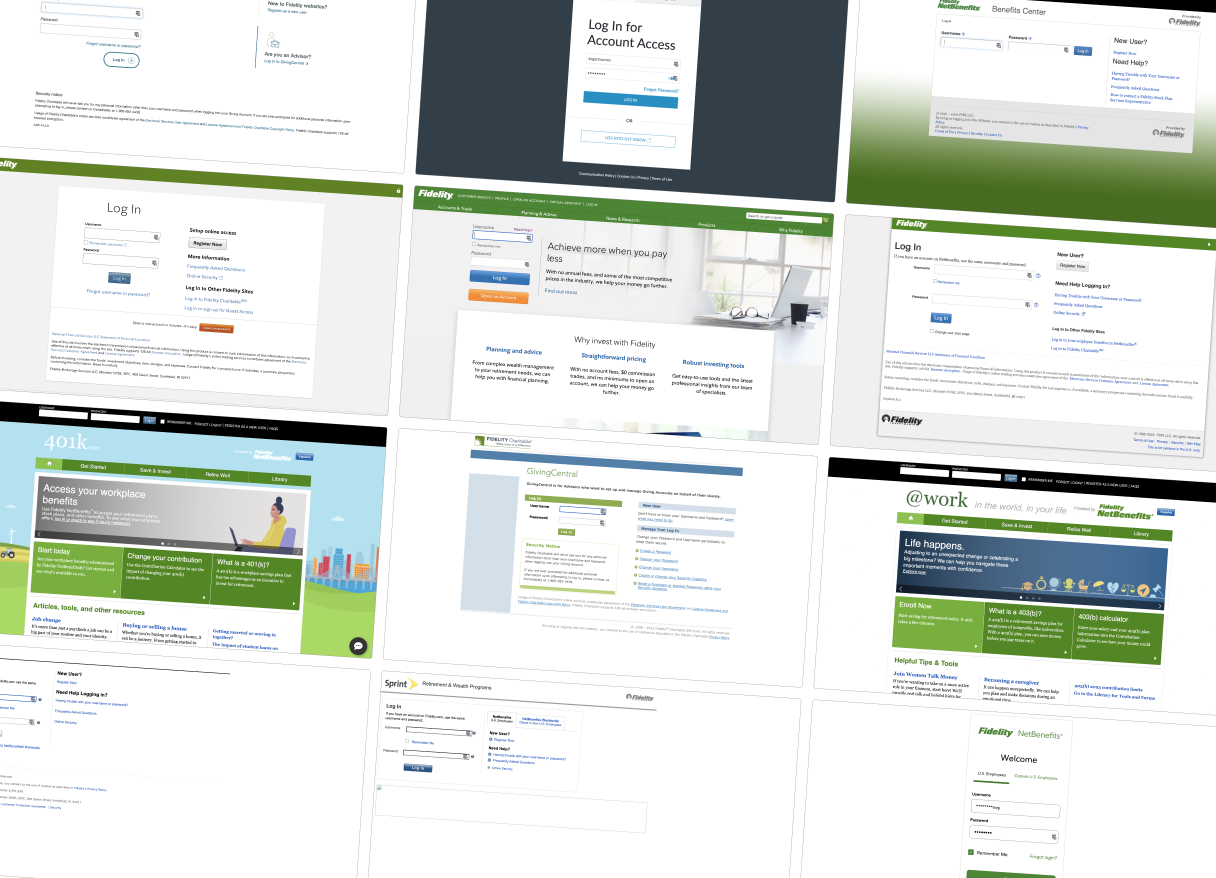
There are a lot of different log-in pages for a lot of different apps, and they all work differently.
Though they all accept the same login credentials, the design and technical implementation of the log-in capabilities across different Fidelity applications vary widely. This frustrates and confuses customers, and creates exploitable security loopholes and significant maintenance overhead.
The Solution
We created a single, highly-secure log-in capability that every application can utilize.
This new capability supports minor customization to fit each context. It also includes all the necessary functionality, like 2-factor authentication.
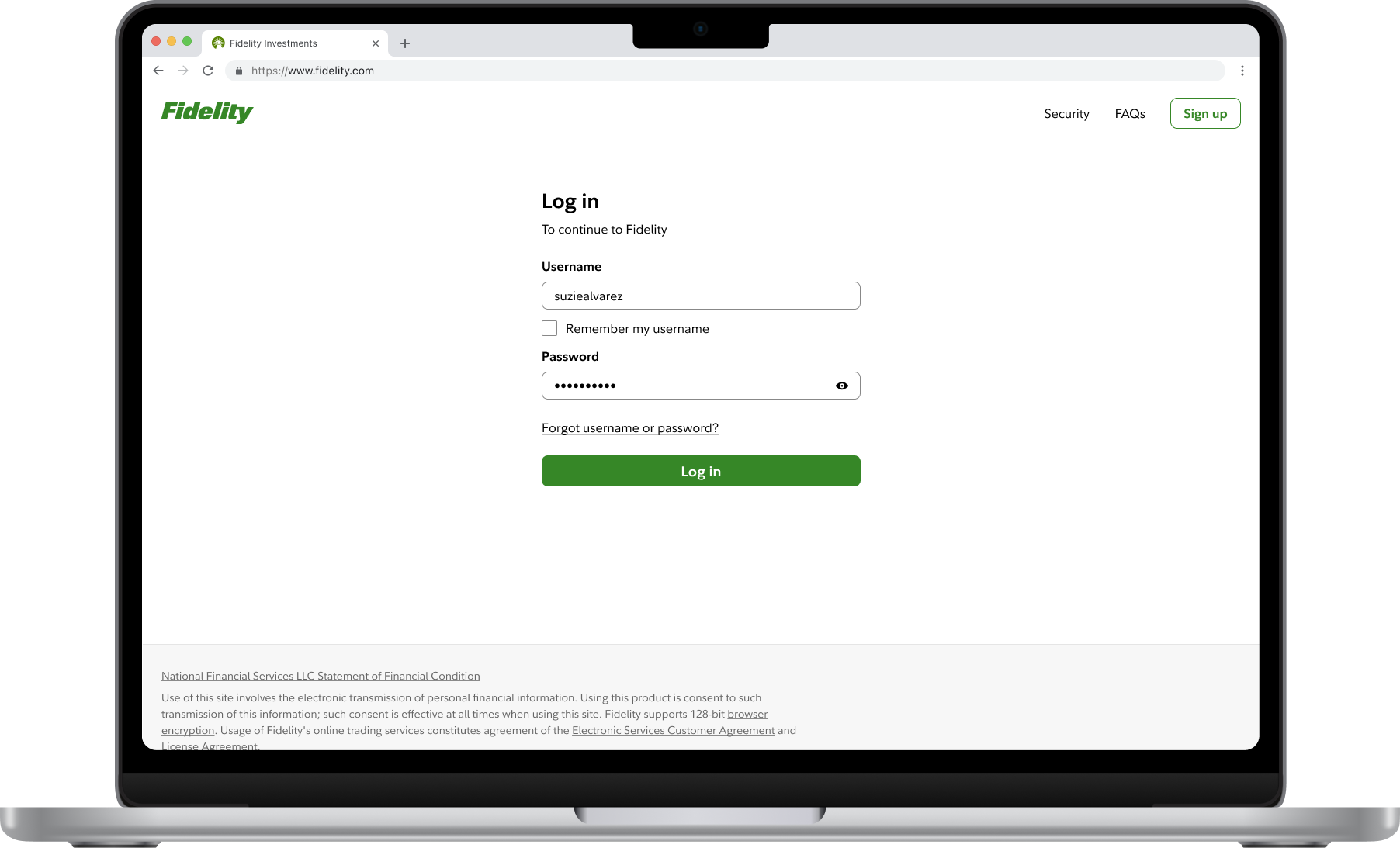
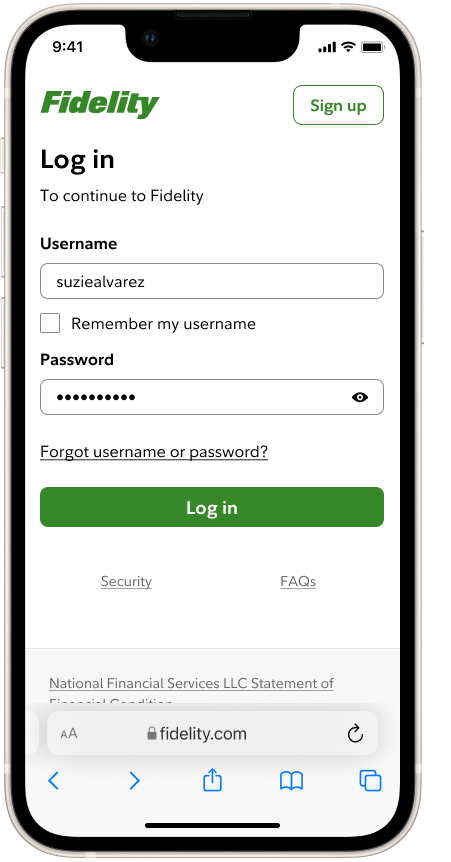
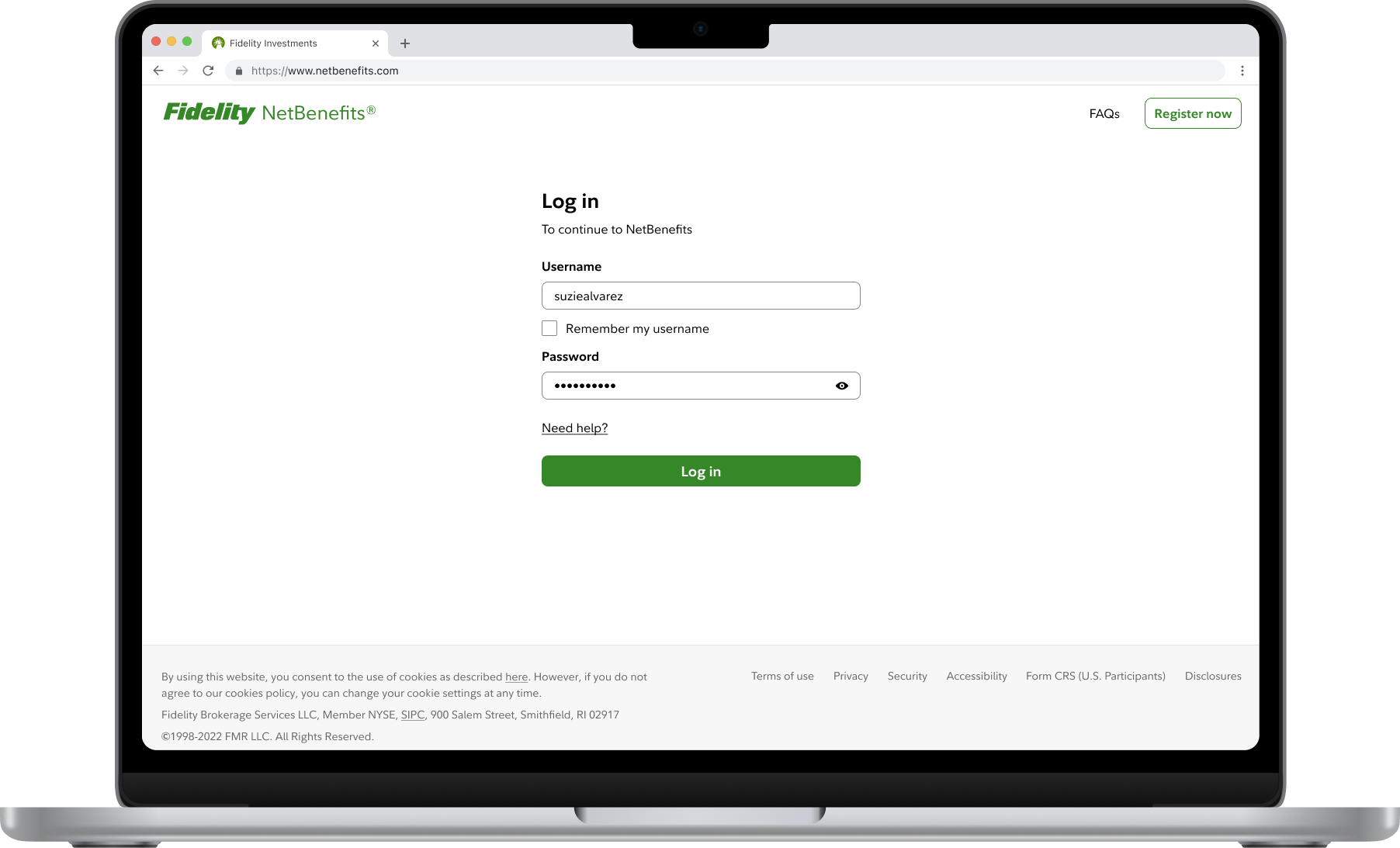
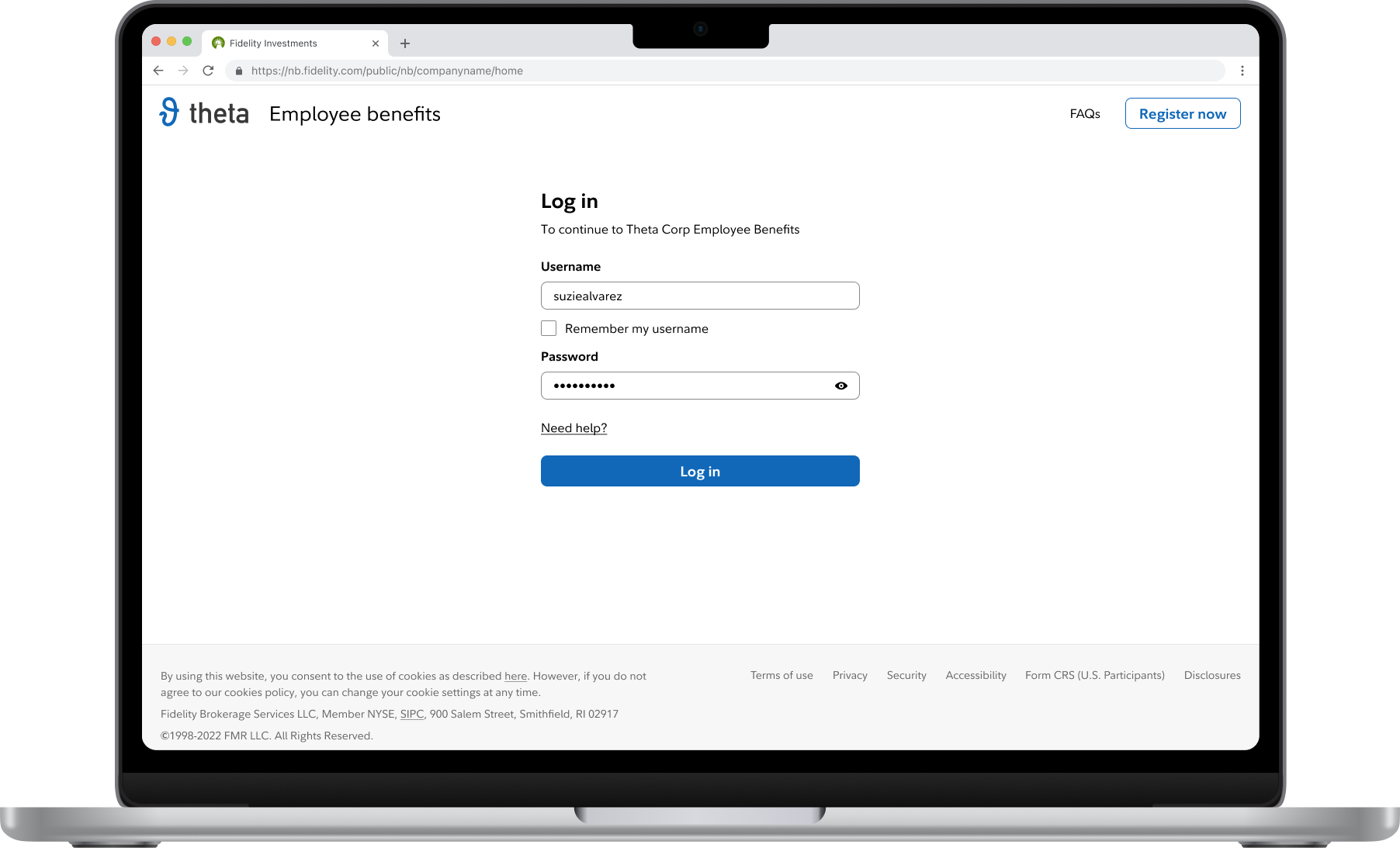
We ensured that the new system would support minor customizations.
Each app required at least a few minor changes to the baseline design: their own logo, different labels and links, specific legal disclaimers, and for some apps, client-branding.
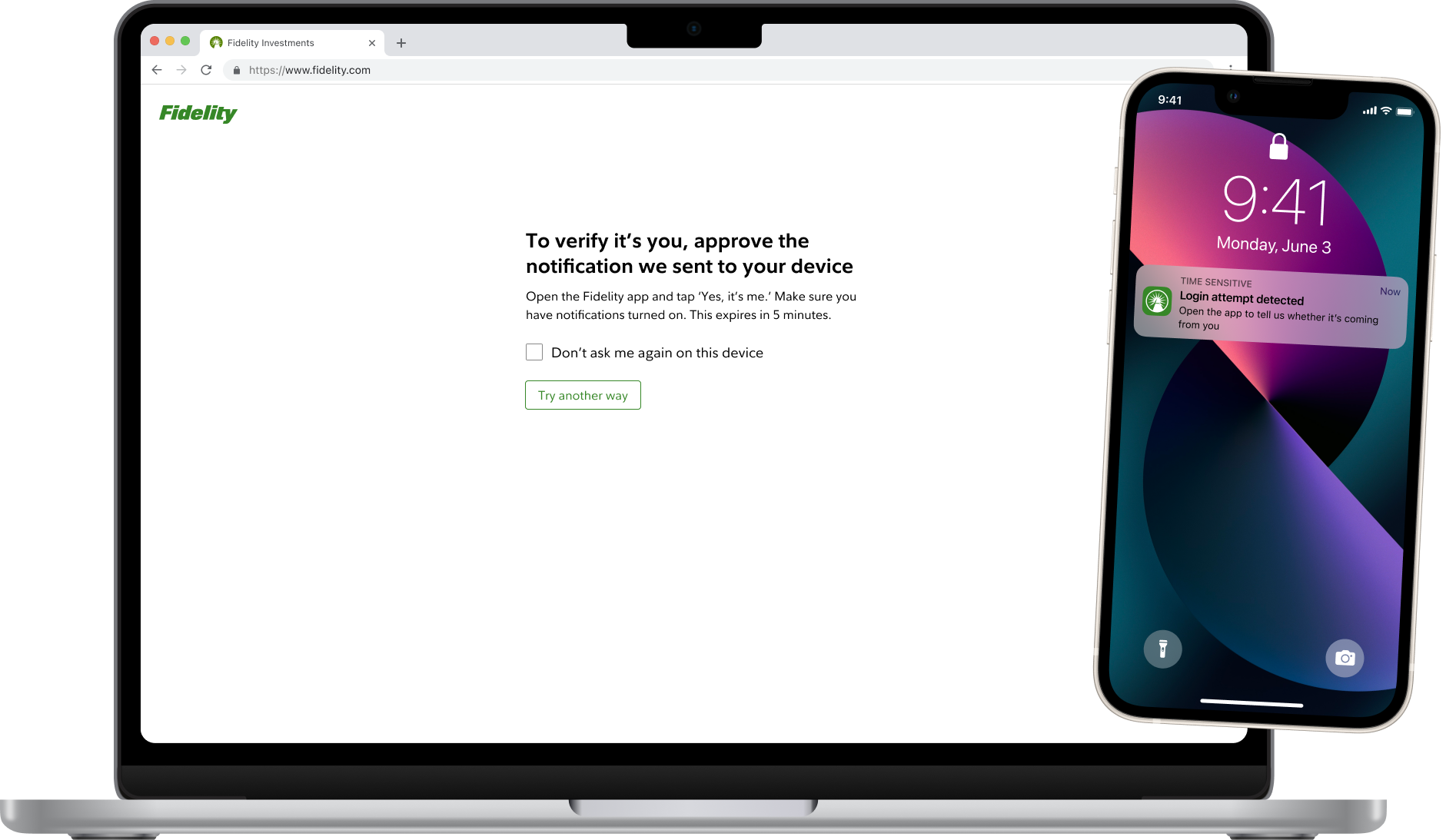
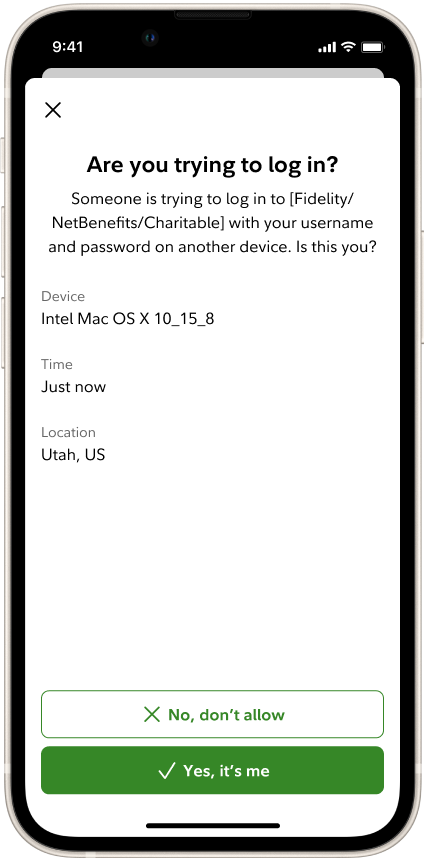
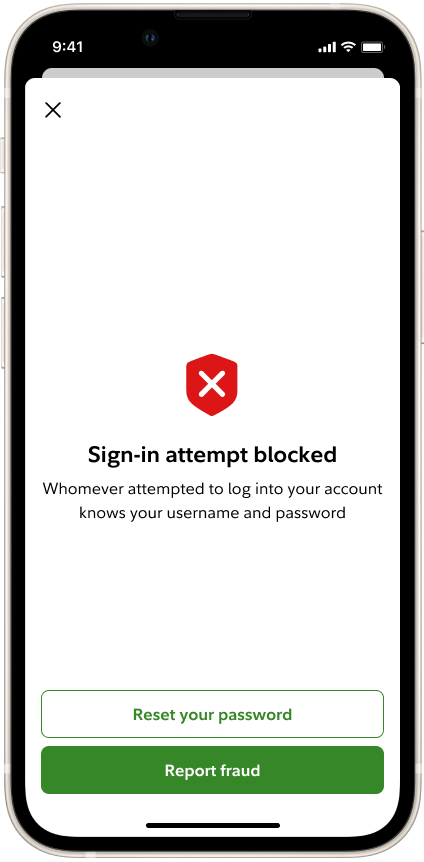
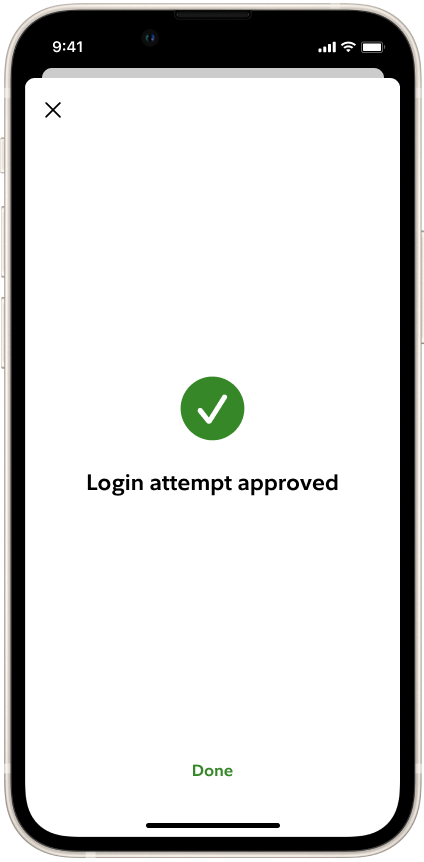
We created our own Push-based 2-step verification method, so customers could use the Fidelity app to approve log-in requests.
We modeled this heavily on similar tools offered by other companies to ensure the interaction and language would feel as familiar as possible.